Powerful APIs for Modern Applications
Access enterprise-grade APIs with seamless integration, robust security, and scalable infrastructure.
const response = await fetch('api.apivex.com/v1/data', {
headers: {
'X-APIVEX-Key': 'your_api_key',
'Content-Type': 'application/json'
}
});
const data = await response.json();
console.log(data);
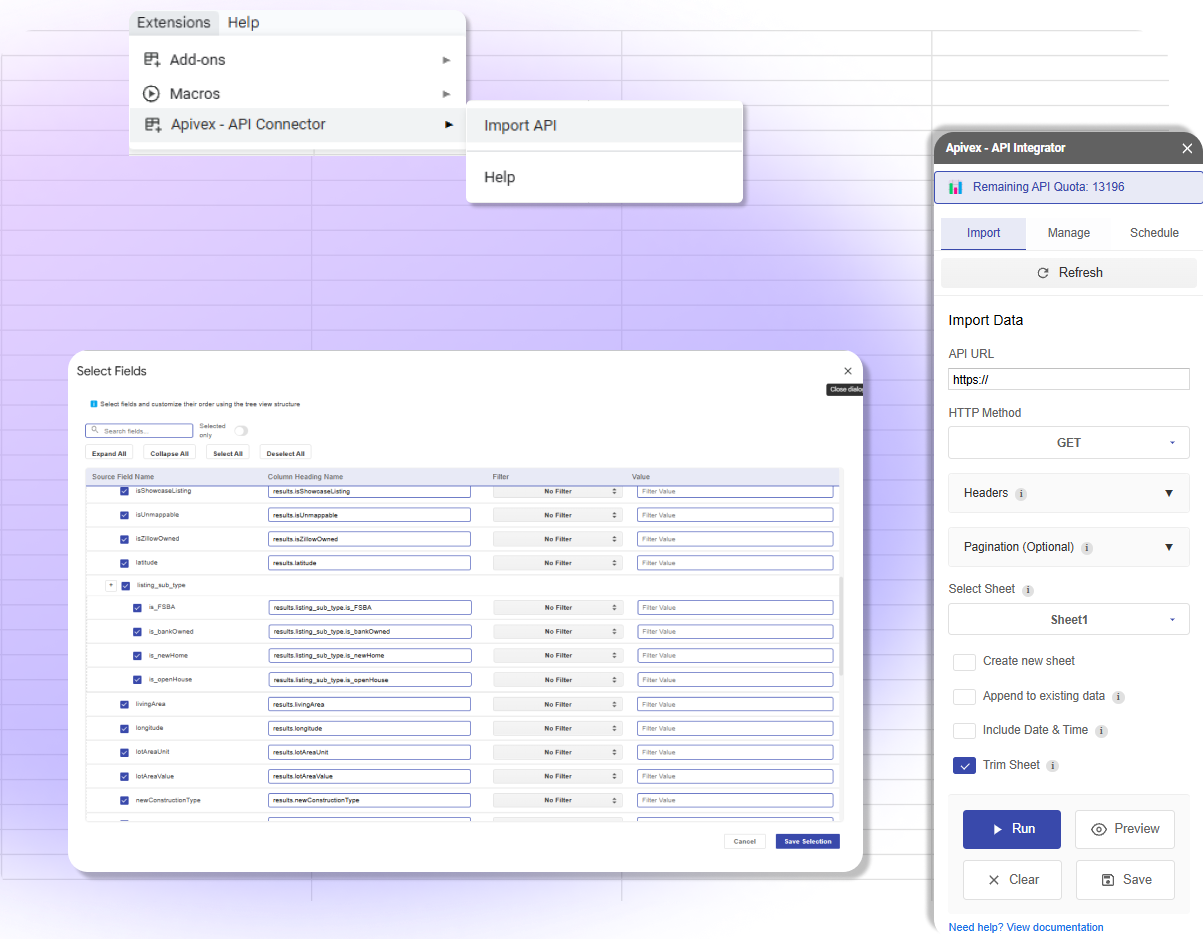
API Connector for Google Sheets
Sync data sources and automate data refreshes within Google Sheets, streamline workflows, and most importantly - save time. APIVex add-on is a powerful no-code API connector that makes it easy to connect APIs to Google Sheets.
Why Choose Our Platform?
Everything you need to build exceptional applications
Built for developers
Simple, RESTful APIs with comprehensive documentation for multiple languages.
Ease of use
Quick integration with clear documentation, code examples.
Pricing like no other
Transparent pricing with no hidden fees. Pay one price for unlimited APIs.
100% Uptime guarantee
Enterprise-grade reliability with global CDN distribution and redundant infrastructure.
24/7 Customer Support
Expert technical support available around the clock to help you succeed.
Advanced Analytics
Real-time monitoring, usage analytics, and detailed performance metrics for all your APIs.
Enterprise Security
Bank-grade security with authentication, rate limiting, and data encryption built-in.
Scalable Infrastructure
Built to handle millions of requests with automatic scaling and load balancing.
99.9%
Uptime Guarantee
50M+
API Requests Daily
5000+
Active Developers
What Our Customers Say
Trusted by developers and businesses worldwide
Game-Changer for Our Data Workflow
"APIVex has completely transformed how we handle data in our organization. The Google Sheets integration is seamless, and the API documentation is excellent. We've cut our data processing time by a lot."
SJ
Rajesh
Data Analyst
Developer-Friendly API Platform
"As a developer, I appreciate the clean API design and comprehensive documentation. The authentication is secure, and the response time is fast. APIVex has become an essential part of our tech stack."
MC
Michael
Senior Developer
Exceptional Customer Support
"The support team at APIVex is incredibly responsive and helpful. They went above and beyond to help us integrate their APIs into our existing systems. The platform itself is robust and reliable."
ER
Maya
CEO
Simple, Transparent Pricing
Choose the plan that works best for your needs
Hobby
No trial
$20/ month
- 15,000 requests / month
- 2 requests / second
- 1 days data retention
- Basic support
- Gsheet Add-on
Plus
No trial
$50/ month
- 50,000 requests / month
- 3 requests / second
- 7 days data retention
- Priority support
- Gsheet Add-on
Pro
No trial
$150/ month
- 200,000 requests / month
- 5 requests / second
- 30 days data retention
- 24/7 Premium support
- Gsheet Add-on
Enterprise
No trial
$500/ month
- 1,000,000 requests / month
- 7 requests / second
- 30 days data retention
- 24/7 Premium support
- Gsheet Add-on
Frequently Asked Questions
Find answers to common questions about our platform
Latest from Our Blog
Insights, tutorials, and updates from our team
Tutorial5 min read
Getting Started with APIVex: A Complete Guide
A comprehensive guide to getting started with APIVex. Learn how to manage APIs, monitor usage, and implement best practices for your team.
Guide8 min read
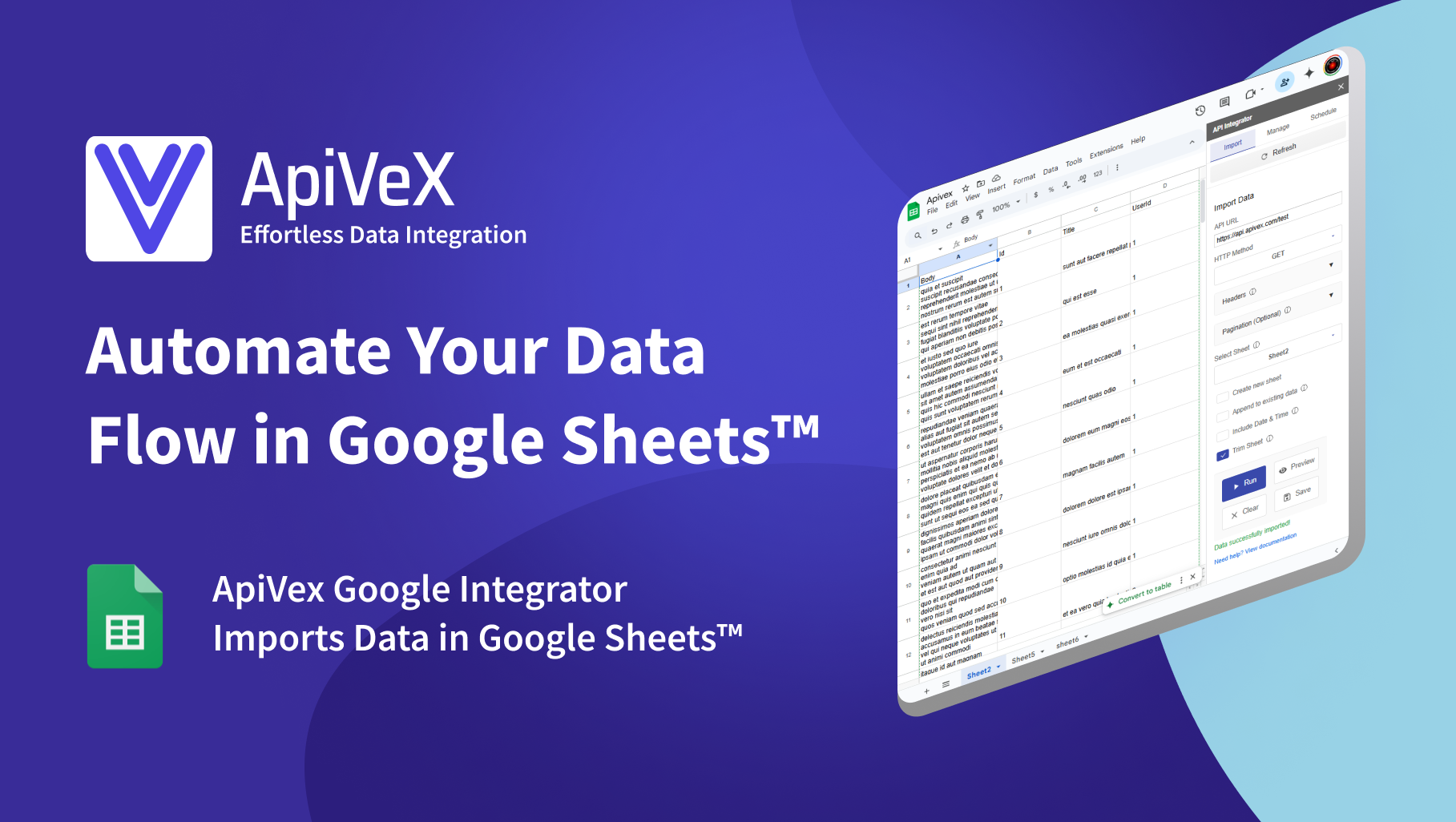
APIVex Google Sheets Add-on: Import API Data with Ease
Learn how to use the APIVex Google Sheets Add-on to import and manage API data directly in your spreadsheets. This comprehensive guide covers installation, configuration, scheduling, and best practices.

News3 min read
Import Zillow Real Estate Data into Google Sheets with APIVex
Learn how to import Zillow real estate data directly into Google Sheets using APIVex. This comprehensive guide covers setup, customization, automation, and best practices for real estate data analysis.
Ready to Transform Your Data Workflow?
Join thousands of developers and businesses who are already using APIVex to build powerful applications and automate their data processes.